I was hunched over my desk last Tuesday, trying to solder a new stabilizer onto a vintage mechanical keyboard, when I realized I couldn’t actually move my arm without snagging a tangled mess of power bricks and USB-C cords. It wasn’t just an eyesore; it was a constant, low-level drain on my focus. We often tell ourselves that a “nest of wires” is just the price we pay for a high-tech life, but that’s a lie. Effective cable management diy isn’t about achieving some Pinterest-perfect aesthetic; it’s about reclaiming your mental clarity by removing the visual noise that keeps you from being productive.
I’m not here to sell you on expensive, proprietary gadgetry that breaks in six months. Instead, I’m going to show you how to use simple, functional tools—think Velcro ties, mounting strips, and a bit of strategic routing—to build a system that actually lasts. This guide is a straightforward, no-nonsense breakdown of how to tackle your workspace, from the floor to the desktop. We’re going to strip away the complexity and get your setup to a point where you can finally stop managing your wires and start actually getting your work done.
Table of Contents
- Step-by-Step Instructions
- Mastering Under Desk Cable Solutions for Instant Clarity
- Cord Concealment Hacks to Reclaim Your Mental Space
- Five Small Upgrades to Keep the Chaos at Bay
- The Bottom Line: Less Friction, More Focus
- The Psychology of the Workspace
- Reclaiming Your Workspace
- Frequently Asked Questions
Guide Overview
Tools & Supplies
- Scissors or wire cutters for trimming ties
- Label maker or masking tape for identification
- Velcro cable ties (pack of 20-50)
- Cable management sleeves or raceways (1-2 units)
- Adhesive cable clips (pack of 10-20)
- Power strip/Surge protector (1 unit)
Step-by-Step Instructions
- 1. First, you need to unplug everything. I know, it sounds like a massive chore, but you can’t organize a mess if you’re just moving the tangles around. Pull every single cord out of the outlets and clear the area completely. You need a blank slate to see exactly what you’re working with before you start making decisions.
- 2. Group your cables by their destination. Grab a handful of Velcro ties—don’t even think about using plastic zip ties unless you want to regret it later when you need to move a monitor—and bundle the wires that go to the same device. I like to keep my power strips and peripheral cables separate so I can identify them at a glance.
- 3. Mount your power strip to the underside of your desk or the back of a leg using heavy-duty command strips or a mounting bracket. Leaving the power strip sitting on the floor is a recipe for dust bunnies and tripping hazards. Getting it off the ground is the single most effective way to make your workspace feel instantly cleaner.
- 4. Use cable sleeves or J-channels to hide the “trunk” of your wires. Once you have your bundles, run them through a sleeve to create a single, clean line running down the back of your desk. This turns a chaotic web into a structured pathway, making it much easier to wipe down your desk without getting snagged.
- 5. Label both ends of every cord. I use a small piece of masking tape or a dedicated label maker to mark what each plug is for—like “Monitor 1” or “Laptop Dock.” There is nothing more frustrating than unplugging the wrong thing in the middle of a deep-work session because you couldn’t tell which black wire belonged to which device.
- 6. Implement a “one-in, one-out” rule for new tech. As you add new gadgets to your setup, check to see if any old, unused cables are still plugged in. If you haven’t used a device in six months, tuck that cable away in a dedicated storage bin instead of letting it live in your workspace.
- 7. Perform a final “stress test” by plugging everything back in one by one. As you reconnect each device, ensure the tension is even and no wires are being pinched by desk legs or chair wheels. A truly functional system is one that is built to last and won’t fall apart the moment you move your chair.
Mastering Under Desk Cable Solutions for Instant Clarity
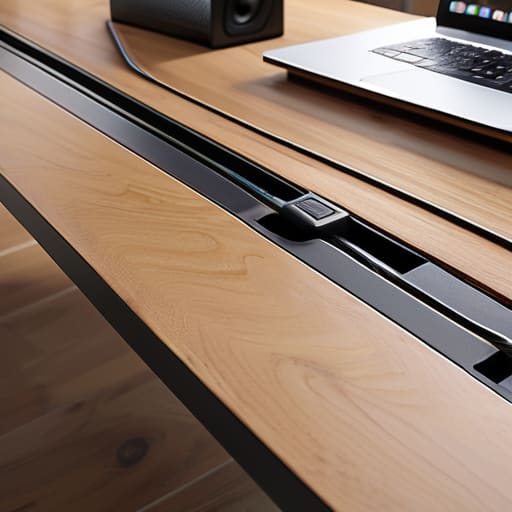
Most people focus so much on what’s sitting on top of their desk that they completely ignore the “spaghetti monster” lurking underneath. If you’re looking at a tangled mess of power bricks and extension cords every time you push your chair in, you haven’t actually solved the problem; you’ve just hidden the chaos. To get real results, you need to prioritize hiding power strips and securing them to the underside of your desk using heavy-duty mounting tape or dedicated brackets. This isn’t just about aesthetics; it’s about clearing the floor space so your legs have room to move and your vacuum doesn’t get snagged on a stray wire.
Once the heavy lifting is done, I recommend using J-channels or even simple mesh sleeves for your under desk cable solutions. This keeps the individual lines from drooping or swaying, which is usually what makes a setup look cluttered even if the wires are technically “hidden.” I’ve found that grouping cables by their destination—one run for peripherals, one for power—makes troubleshooting a breeze later on. It’s about building a system that’s easy to maintain, not just something that looks good for five minutes.
Cord Concealment Hacks to Reclaim Your Mental Space
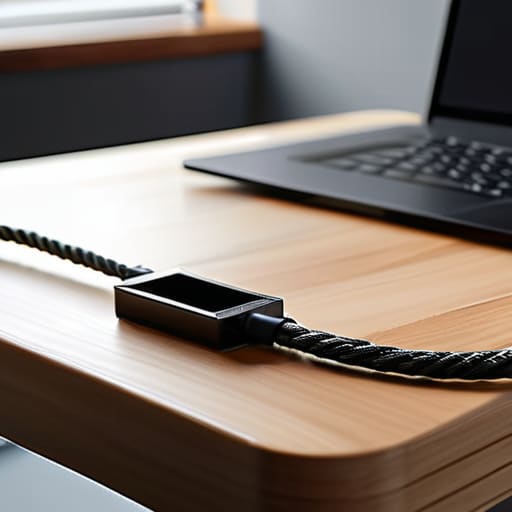
Once you’ve tackled the mess hanging directly under your feet, it’s time to address the visual noise sitting right in your line of sight. Even with the best under desk cable solutions in place, a stray charging cord or a thick power lead snaking across your tabletop can feel like a constant, silent distraction. I’ve learned that if I can see a mess, my brain treats it like an unfinished task. To fix this, I lean heavily on cord concealment hacks like using adhesive cable clips or weighted cord holders to keep your phone and laptop chargers exactly where they belong.
If you have a larger power strip that’s currently acting as an eyesore, stop letting it sit out in the open. One of my favorite DIY cable organizer ideas is to mount the strip to the underside of your desk or tuck it into a dedicated cable management box. Hiding power strips doesn’t just look cleaner; it prevents dust buildup and stops you from accidentally kicking the switch. When you clear that visual clutter, you aren’t just cleaning a desk—you’re clearing the mental runway to actually focus.
Five Small Upgrades to Keep the Chaos at Bay
- Stop using random twist ties. Grab a pack of Velcro cable wraps instead; they’re reusable, they don’t bite into the insulation, and they actually look intentional.
- Label both ends of every cord. Use a small piece of masking tape or a label maker to mark what each plug belongs to so you aren’t playing a guessing game every time you need to swap a peripheral.
- Invest in a heavy-duty power strip with a mounting bracket. If you can screw it directly to the underside of your desk, you eliminate the “octopus” of plugs sitting on the floor.
- Use adhesive cable clips to guide wires along the legs of your desk. It keeps the lines clean and prevents cords from dangling like loose threads.
- Group your cables by function. Keep your high-speed data cables (like your monitor or keyboard) separate from your power cables to reduce interference and make troubleshooting a lot faster.
The Bottom Line: Less Friction, More Focus
Stop treating cable management as a weekend project and start seeing it as a necessary system for your mental clarity.
Invest in quality hardware—like heavy-duty trays and velcro ties—rather than cheap plastic clips that snap or lose their grip after a month.
Aim for a “set it and forget it” setup; if you have to move a wire every time you rearrange your desk, your system has failed.
The Psychology of the Workspace
A tangled mess of cables isn’t just an eyesore; it’s a constant, silent drain on your focus. When you finally tame that chaos, you aren’t just cleaning a desk—you’re reclaiming the mental bandwidth you need to actually get things done.
Liam Anders Chen
Reclaiming Your Workspace
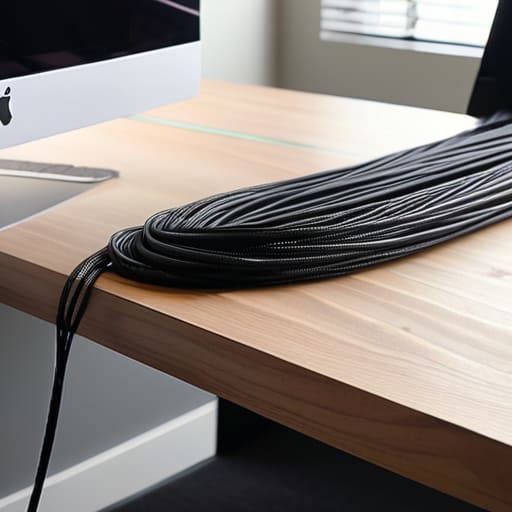
At the end of the day, cable management isn’t about achieving some impossible, Pinterest-perfect aesthetic; it’s about removing friction. We’ve covered everything from securing your power strips under the desk to using simple concealment hacks that hide the visual noise of your charging cables. By implementing these small, repeatable systems, you aren’t just tidying up a mess of wires—you are actively minimizing the micro-distractions that pull your focus away from what actually matters. Once the nest of tangled cords is gone, you’ll realize how much mental energy you were wasting just looking at the chaos.
I’ve spent enough time hunched over mechanical keyboards and messy workstations to know that a cluttered environment eventually leads to a cluttered mind. Don’t let your gear dictate your stress levels. Take twenty minutes this weekend, grab that precision screwdriver from your bag, and finally fix the system. When you strip away the unnecessary complexity of a messy desk, you create the physical and mental space required to do your best work. Stop managing your mess and start actually living your life in a space that serves you, rather than one that constantly demands your attention.
Frequently Asked Questions
What’s the best way to handle heavy power bricks that don't fit into standard cable trays?
Those bulky power bricks are the ultimate productivity killers—they’re heavy, they dangle, and they look like a mess. Don’t try to force them into a slim tray; you’ll just end up with a tangled disaster. Instead, I use heavy-duty adhesive mounting strips to fix them directly to the underside of the desk, or I opt for a small, wall-mounted wire basket. Get them off the floor and off the desk surface. Stability is everything.
How often should I actually clean or reorganize these setups to prevent dust buildup?
Look, I’m a big believer in systems, not constant maintenance. Don’t turn cleaning into a chore. Aim for a quick dust-off once a month—it takes five minutes with a can of compressed air or a microfiber cloth. If you’re in a high-traffic or pet-heavy area, maybe bump that to every two weeks. The goal isn’t perfection; it’s preventing that fuzzy layer of grime from turning your organized setup back into a magnet for chaos.
Are there specific types of cable ties I should avoid if I plan on changing my desk layout frequently?
If you’re someone like me who’s constantly tweaking a setup, stay far away from standard plastic zip ties. They’re a one-and-done solution; once you snip them, they’re trash, and you’ll likely end up with jagged plastic bits near your expensive gear. Instead, grab some Velcro cable wraps. They’re reusable, won’t bite into your cords, and let you reorganize your entire desk in minutes without needing a pair of snips every single time.