I remember sitting on my floor last Tuesday, surrounded by a literal mountain of mail, old tax returns, and random receipts, feeling that familiar, heavy knot of anxiety in my chest. It wasn’t just the mess; it was the mental tax of knowing exactly where that one crucial warranty was not. Most people think learning how to organize paperwork requires a massive investment in fancy color-coded binders or expensive filing cabinets that look good on Instagram but fail in real life. They’re wrong. Complexity is just a mask for a lack of a system, and honestly, over-engineering your desk is just another way to procrastinate on actually getting things done.
I’m not here to sell you on a lifestyle overhaul or a complicated labeling system that takes three hours to maintain. My goal is to give you a functional, low-friction framework that works even when your life gets chaotic. I’m going to show you how to strip away the noise and build a repeatable process for how to organize paperwork so it stays managed with minimal effort. We’re going to focus on ruthless simplicity so you can stop managing your clutter and start reclaiming your headspace.
Table of Contents
Mastering Your Filing System for Home Office Efficiency
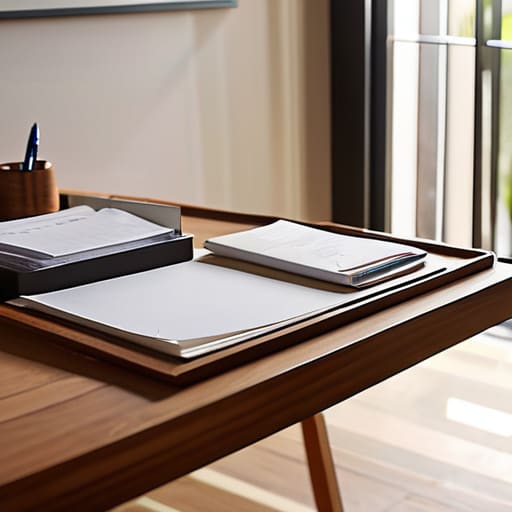
Once you’ve cleared the surface-level clutter, it’s time to build a real filing system for home office use that actually works. I used to think a single accordion folder was enough, but that’s just a slow-motion way of creating a new mess. Instead, I rely on a tiered approach: active, reference, and archive. Your active files—the stuff you touch weekly, like current bills or ongoing projects—should be within arm’s reach. Everything else needs a dedicated home. When it comes to sorting important documents, I follow a strict “one-touch” rule. If a piece of paper lands on my desk, it either goes into a specific folder, gets shredded, or gets scanned immediately.
Don’t let the fear of losing something stop you from thinning out the herd. For anything that doesn’t require a physical signature, I lean heavily on digital document scanning. It’s much easier to search a PDF on your desktop than to dig through a dusty banker’s box. If you’re specifically organizing tax records, keep those in a separate, clearly labeled section that stays untouched until tax season hits. The goal isn’t to have a perfect library; it’s to create a functional workflow that serves you.
Sorting Important Documents to Strip Away the Mental Noise
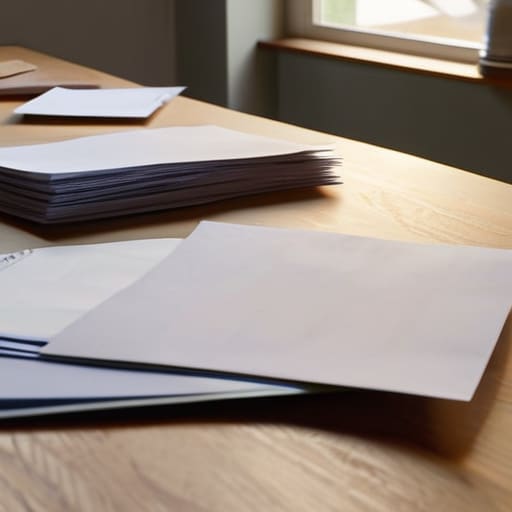
Once you have your physical filing system for home office setup ready, the real work begins: the actual sorting. Most people fail here because they try to categorize everything at once. That’s a recipe for burnout. Instead, I treat this like a teardown of an old mechanical keyboard—one component at a time. Grab a stack, find a clear surface, and start by separating the “must-keeps” from the “immediate trash.” I’m talking about those expired coupons or old utility bills that serve no purpose other than taking up mental bandwidth.
When you’re sorting important documents, I find it helpful to use three distinct piles: Action Required, Permanent Archive, and Destroy. The “Action” pile is for things like unpaid invoices or pending registrations that need your immediate attention. The “Archive” pile is for the long-term stuff, like medical records or property deeds. Everything else? It’s noise. If you’re feeling particularly efficient, this is the perfect moment to start digital document scanning for those archive files. Once they’re backed up in a secure cloud, you can shred the physical copies and finally enjoy a desk that doesn’t feel like it’s closing in on you.
Five Tactical Moves to Keep the Paper Chaos at Bay
- Stop the bleed with a “One-Touch” rule. When a piece of mail hits your hand, don’t just drop it on the counter to deal with “later.” Either file it, act on it, or shred it immediately. If it takes less than sixty seconds, do it now so it doesn’t become a mental weight later tonight.
- Build a “Command Center” for incoming chaos. Dedicate one specific tray or small basket near your entryway for unprocessed papers. This keeps the mess contained to a single square foot rather than letting it migrate across your dining table or desk.
- Go digital where it actually makes sense. I don’t advocate for scanning every grocery receipt, but for anything you need to reference occasionally—like manuals or old tax notices—a quick scan and a cloud backup beats digging through a dusty accordion folder every time.
- Use a color-coded system that actually works. Don’t overcomplicate it with twenty different shades. Stick to three or four high-contrast colors: one for “Active/Action Required,” one for “Financial/Tax,” one for “Vital Records,” and one for “Reference.” It makes finding what you need a matter of seconds, not minutes.
- Schedule a monthly “System Reset.” Once a month, grab that precision screwdriver from my bag and my notebook, sit down for twenty minutes, and clear out the overflow. It’s much easier to maintain a system in small increments than to stage a massive, overwhelming intervention every six months.
The Bottom Line: Systems Over Chaos
Stop treating every scrap of paper like a priority; if it doesn’t have long-term legal, financial, or sentimental value, shred it and reclaim your space.
Build a “touch-it-once” workflow for incoming mail to prevent small tasks from snowballing into a weekend-ruining mountain of clutter.
Invest in a simple, labeled filing system that works for your brain, not one that looks good on a Pinterest board but takes twenty minutes to navigate.
The Philosophy of Paperwork
“A pile of unorganized paper isn’t just a mess on your desk; it’s a constant, silent drain on your mental bandwidth. When you build a system to manage your documents, you aren’t just filing papers—you’re reclaiming the headspace you need to actually focus on what matters.”
Liam Anders Chen
Reclaiming Your Space and Your Mind

At the end of the day, organizing your paperwork isn’t about achieving some impossible standard of perfection or having a museum-grade filing cabinet. It’s about building a functional system that works for you, not against you. By mastering your filing setup and ruthlessly sorting through the clutter, you’ve done the heavy lifting required to stop the mental bleed. You’ve moved from a state of reactive chaos to a state of intentional order, ensuring that when you actually need a document, you spend seconds finding it rather than twenty minutes hunting through a mountain of junk.
I know it feels like a chore, but remember why we do this: we aren’t organizing paper just for the sake of neatness; we are doing it to buy back our time. Every pile you clear and every folder you label is a small victory against the friction of modern life. Don’t let the mess dictate your mood or steal your focus. Strip away the complexity, maintain your systems, and get back to the things that actually matter. You’ve built the foundation—now go out there and start actually living your life.
Frequently Asked Questions
I don't have a dedicated home office—can I actually make this work in a small apartment or a kitchen drawer?
Absolutely. You don’t need a dedicated room to build a system; you just need a designated zone. If you’re working from a kitchen drawer or a corner of the dining table, the principle remains the same: everything must have a specific, repeatable home. Use a compact expanding file or a small desktop organizer. The goal isn’t to find space, it’s to eliminate the friction of searching for that one stray utility bill.
How often do I really need to go back and purge these files so they don't just become another pile of clutter?
Look, if you wait until the pile is waist-high, you’ve already lost. I treat my filing system like a mechanical keyboard—it needs regular maintenance to stay responsive. Set a recurring calendar invite for a “quarterly purge.” Every three months, spend thirty minutes auditing your active files. It’s much easier to prune a small branch than to clear a fallen tree. Keep it frequent, keep it brief, and keep the clutter from winning.
What’s the best way to handle digital documents versus physical paper so I'm not managing two completely different systems?
The secret is to treat them as two halves of the same whole. I use a “Single Source of Truth” logic: if it’s a scan or a PDF, it lives in my cloud storage; if it’s a physical original, it goes in a folder. I name my digital files exactly like my physical labels—Date, Category, Name. When the naming convention is identical, your brain stops switching gears, and the friction just disappears.
