I spent three hours last weekend deep in the guts of a vintage mechanical keyboard, surrounded by tiny springs and specialized lube, when it hit me: most “productivity experts” are selling you absolute nonsense. They want you to believe that you need a $1,500 ergonomic setup, smart lighting that syncs with your circadian rhythm, and a mountain of expensive gadgets just to get through a Tuesday. It’s a lie. Learning how to build a productive workspace isn’t about how much money you can throw at a desk; it’s about eliminating the friction between your brain and your work.
I’m not here to give you a shopping list of aesthetic gear that looks good on Instagram but fails in practice. Instead, I’m going to show you how to apply a systems engineering mindset to your desk. We are going to strip away the fluff and focus on the high-impact, functional changes that actually reclaim your mental clarity. I’ll share the exact, no-nonsense framework I use to keep my own environment clutter-free and optimized, so you can stop managing your desk and start actually getting things done.
Table of Contents
Essential Desk Accessories for Workflow Without the Clutter
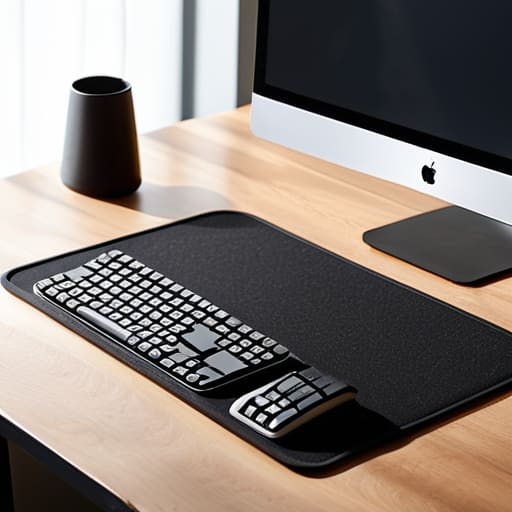
When I started restoring vintage keyboards, I realized how much a single poorly placed tool could derail my entire focus. The same applies to your desk. You don’t need a gadget for every possible task; you need a few high-quality pieces that serve a specific purpose. For me, that starts with a high-quality desk mat and a dedicated stand for my peripherals. These aren’t just for aesthetics; they are essential desk accessories for workflow that define your boundaries. By physically separating your input devices from your workspace, you create a mental “zone” that signals it’s time to work.
Beyond the tactile stuff, don’t overlook the impact of your environment on your biology. I’ve found that optimal lighting for productivity is often the difference between a focused afternoon and a mounting headache. Avoid harsh overhead fluorescents; instead, opt for a warm, adjustable task lamp that illuminates your immediate work area without washing out the rest of the room. It’s about minimizing desk distractions by controlling the sensory input around you. If your light is too bright or too dim, your brain spends energy adjusting rather than executing.
Ergonomic Office Setup Tips to End Physical Fatigue
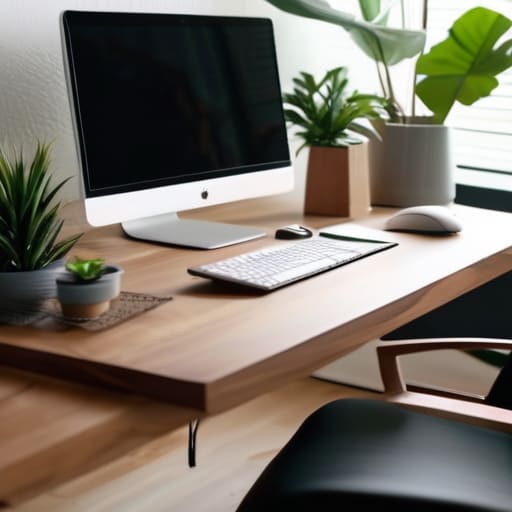
If you’re ending your workday feeling like you’ve been in a wrestling match with your furniture, your setup is failing you. I used to think a cheap kitchen chair was “fine” for a few hours, but my back quickly disagreed. True ergonomic office setup tips aren’t about buying a $1,000 designer chair; they are about alignment. Your monitor should be at eye level so you aren’t constantly hunching, and your elbows should rest at a 90-degree angle. When your body isn’t screaming for relief, your brain can actually stay in the zone.
Beyond the chair, don’t overlook the environment. I’ve found that optimal lighting for productivity is a total game-changer for preventing eye strain and mid-afternoon headaches. If you’re working under a harsh, flickering overhead light, you’re essentially fighting a losing battle against fatigue. Aim for soft, indirect natural light or a dedicated task lamp that reduces glare on your screen. It’s a small adjustment, but it makes a massive difference in how long you can stay focused before needing to step away.
Five Systems to Keep Your Focus Sharp
- Audit your digital desktop. A cluttered screen is just as distracting as a messy physical desk; clear your files into organized folders and hide those unnecessary icons so you aren’t fighting visual noise every time you wake your monitor.
- Implement a “one-in, one-out” rule for desk items. If you bring a new gadget or a stack of books to your workspace, something else has to go back into a drawer or a shelf to prevent the slow creep of chaos.
- Zone your workspace by task. Dedicate one area of your desk for deep, focused work and keep a separate, smaller space for “administrative” tasks like sorting mail or taking quick calls to prevent mental context-switching.
- Control your lighting with intention. Avoid the harsh glare of overhead lights that cause eye strain; instead, use a dedicated task lamp to create a focused pool of light that signals to your brain it’s time to work.
- End each day with a five-minute reset. Before you walk away, clear your coffee mugs, file your loose papers, and straighten your keyboard. You aren’t just cleaning; you’re setting your future self up for a frictionless start tomorrow.
The Bottom Line: Systems Over Stuff
Stop collecting gadgets; only keep tools on your desk that serve a specific, repeatable function in your workflow.
Prioritize your physical comfort through ergonomics, because you can’t be productive if you’re constantly fighting a backache.
Build a space that reduces friction, so you can stop managing your environment and start focusing on your actual work.
The Philosophy of Space
Your desk isn’t a storage unit for half-finished projects and old coffee mugs; it’s the cockpit for your focus. If you have to fight your environment just to find a pen, you’ve already lost the battle for your attention.
Liam Anders Chen
Final Thoughts on Your Setup
Building a workspace that actually works isn’t about buying every shiny gadget on a tech blog; it’s about intentionality. We’ve covered the essentials—from choosing tools that serve a specific purpose without cluttering your surface, to setting up an ergonomic foundation that keeps you from feeling like a crumpled piece of paper by 3:00 PM. Remember, the goal is to create a frictionless environment where your physical surroundings support your mental flow rather than interrupting it. If a tool doesn’t make your process smoother or your body feel better, it doesn’t belong on your desk. Keep it lean, functional, and purposeful.
At the end of the day, your workspace is just a system designed to serve a larger goal. Don’t get so caught up in the “optimization” phase that you forget why you’re working in the first place. Whether you’re crushing a deadline or working on a personal project, the setup should eventually fade into the background, leaving you free to focus on the task at hand. Strip away the noise, fix the friction points, and then get to work. Life is far too short to spend it fighting your own desk; build your system, then go live your life.
Frequently Asked Questions
How do I manage cable clutter without spending a fortune on expensive organizers?
Look, you don’t need a $100 designer cable management kit to fix this. I usually reach for heavy-duty Velcro ties—skip the plastic zip ties; they’re a nightmare if you ever need to move something. Stick some adhesive clips to the underside of your desk to keep chargers from sliding onto the floor, and use a simple shoebox with holes cut in the back to hide your power strip. It’s cheap, functional, and gets the job done.
I have a very small desk; how can I stay productive without feeling claustrophobic?
Small desks aren’t a productivity killer; clutter is. When your footprint is limited, you have to think vertically. Get a monitor arm to clear up the desk surface and use a small pegboard on the wall for your tools and cables. This moves the “visual noise” off your workspace and into your peripheral vision. Keep only what you’re touching right now on the desk. If it’s not in use, it shouldn’t be taking up your breathing room.
Is it worth investing in a high-end chair, or can I fix my posture with cheaper alternatives?
Look, I’ve spent enough hours hunched over a vintage keyboard to know that a cheap chair is a slow-motion injury waiting to happen. If you can afford it, invest in a high-end ergonomic chair; it’s a foundational tool for your body. However, if your budget is tight, don’t panic. You can mitigate the damage with a lumbar roll and strict movement breaks, but remember: no amount of “posture correction” can fix a fundamentally broken setup.
